Get Mera
Mera is in open beta through Apple's TestFlight app. It is free, and the beta is the full app, with your wardrobe synced through your own iCloud.
Install the beta in three steps
Install TestFlight
On your iPhone or iPad, get Apple's TestFlight app. It is free.
Open the beta link
Open the Mera beta link on the same device and tap Accept, then Install.
Look around first
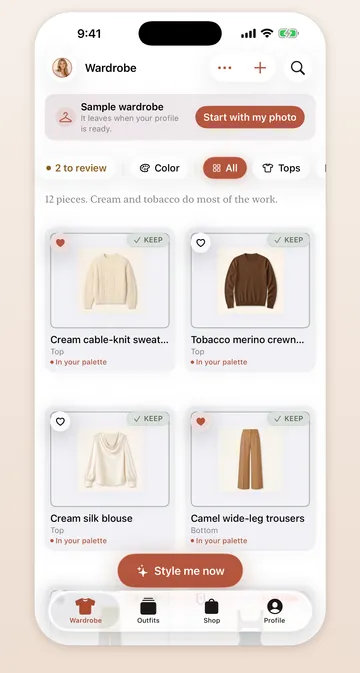
Open Mera and choose Look around first to try the sample wardrobe. Nothing is uploaded until you add your own photos, and the app asks before it sends the first one.
What you need
- An iPhone or iPad with iOS 26 or iPadOS 26 or later
- Apple Watch is optional: today's outfit appears there when you have one
- An internet connection for styling. Your wardrobe works offline.
Questions about installing? The support page has answers, and the privacy policy says what leaves your device.